

Instagram has become more competitive than ever. A polished edit can be the difference between a photo getting lost in the scroll or stopping someone mid-swipe. While some users even look for shortcuts like trying to buy Instagram post likes, the foundation of success still lies in producing photos that stand out naturally. Editing doesn’t mean adding flashy effects for the sake of it. It’s about refining details so your content feels sharp, consistent, and engaging. With these tips, you can transform ordinary shots into visuals that earn attention.
Start With Good Lighting
Editing begins before the app even opens. Natural light creates the best base for later adjustments. Photos taken in dim or harsh artificial lighting often lose detail that editing can’t bring back. A well-lit photo gives editors more flexibility. Colors pop, shadows soften, and textures become clearer.
Use Consistent Filters Wisely
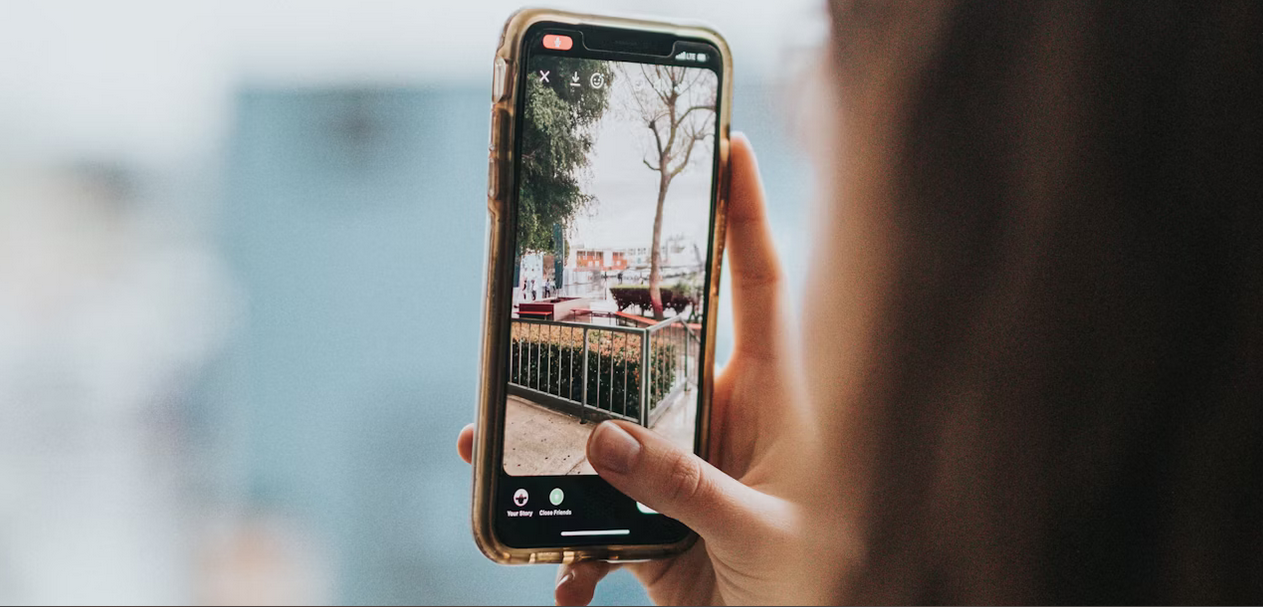
Filters can make or break an Instagram feed. Overusing them can turn images into something artificial, but smart use creates a recognizable style. A consistent look makes scrolling through your grid feel smoother. Think of filters like seasoning in cooking. Too much ruins the dish, but just enough brings out flavor.
Adjust Colors and Contrast Carefully
Color correction separates amateur edits from professional ones. Slight boosts in saturation can make skies brighter and products more appealing. But going too far makes everything look fake. Contrast adjustments also play a major role. Raising contrast adds depth, while lowering it softens a photo.
Crop and Frame With Purpose
Composition matters just as much as color. Cropping can remove distractions, highlight key subjects, and create a stronger balance. Editing apps make this step quick and effective. Framing choices guide the viewer’s eye. A centered crop works for portraits, while an off-center crop can add energy.
Experiment With Texture and Depth

Texture editing tools can give photos a stronger sense of realism. Adding slight clarity makes surfaces like stone, wood, or fabric appear more defined. This subtle edit often helps products look more tactile and engaging. Depth adjustments also influence the mood of a photo. By blurring backgrounds slightly, you can make the subject stand out more clearly. Combined, these edits make a photo look polished while keeping the focus on the main subject.
Sharpen Without Overdoing It
Sharpening tools brings clarity to textures like fabric, wood, or food. A touch of sharpening helps details shine. But too much makes a photo look noisy and harsh. Always zoom in before finalizing edits. What looks sharp on a small screen can look rough on a larger one. The best edits keep things clear but still natural. Editing is less about flashy tricks and more about subtle improvements. Good lighting, consistent filters, balanced colors, purposeful cropping, added texture, and careful sharpening all work together. Each small adjustment adds up to a stronger final photo.
Instagram feeds are crowded, and standing out takes intention. By applying these practices, creators set their posts apart without gimmicks. A thoughtful edit is often what turns a casual scroll into a double-tap.